
👨👩👧 Parental Settings
Control friend permissions, screen time limits, gaming restrictions, and content safety for your child's account. These settings help you create a safe and balanced digital experience.
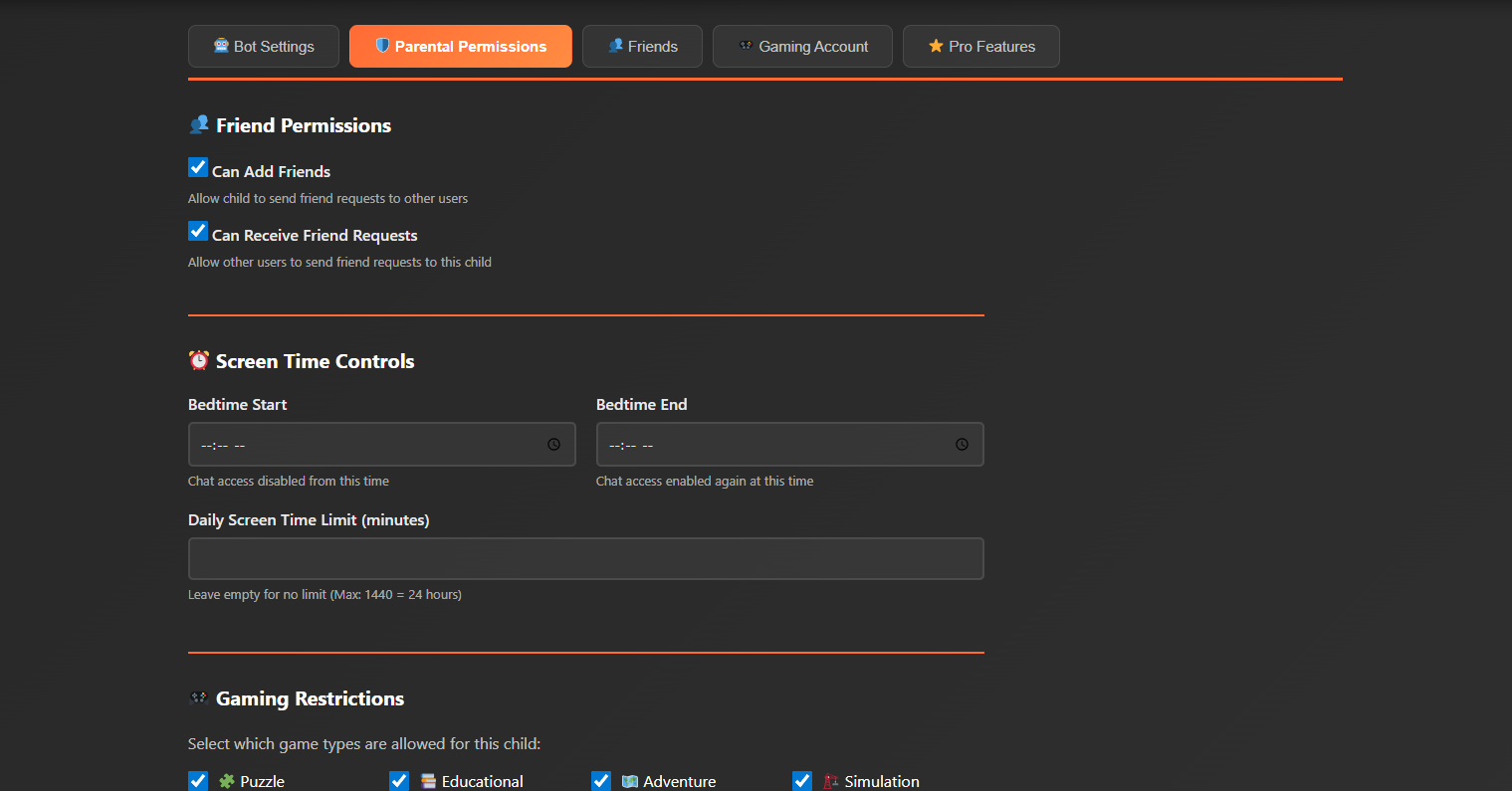
Friend Permissions
Allow child to send friend requests to other users
When enabled, your child can search for and send friend requests to other Kids AI users. You can review pending requests in the Friends Management section.
Allow other users to send friend requests to this child
When enabled, other Kids AI users can send friend requests to your child. All incoming requests require parental approval before being accepted.
Screen Time Controls
Chat access will be disabled during these hours
Setting bedtime from 9:00 PM to 7:00 AM means your child cannot access the AI chat during these hours. The app will display a friendly "bedtime" message.
Leave empty for no limit (Max: 1440 = 24 hours)
Setting 60 minutes means your child has 1 hour of chat time per day. Once used up, access is blocked until the next day. A countdown timer shows remaining time.
Gaming Restrictions
Select which game types this child can play. Leave all unchecked to allow all types.
If only "Puzzle" and "Educational" are selected, your child will only see and be able to play games in these categories. All other game types will be hidden from their library.
Content Safety
Controls how aggressively content is filtered
Strict: Blocks all potentially questionable content. Best for younger children (ages 5-10).
Moderate: Balanced filtering appropriate for tweens (ages 11-13).
Relaxed: Minimal filtering for responsible teens (ages 14-17).
Parents can view all chat conversations
When enabled, you can review all of your child's conversations with the AI and their friends. Your child will be notified that their chats are monitored. This promotes transparency and trust while ensuring safety.