
👶 Kids Settings Guide
Welcome to the Kids Settings configuration guide. This section will walk you through all available parental controls and safety features to ensure your children have a safe, age-appropriate AI experience.
Step-by-Step Configuration
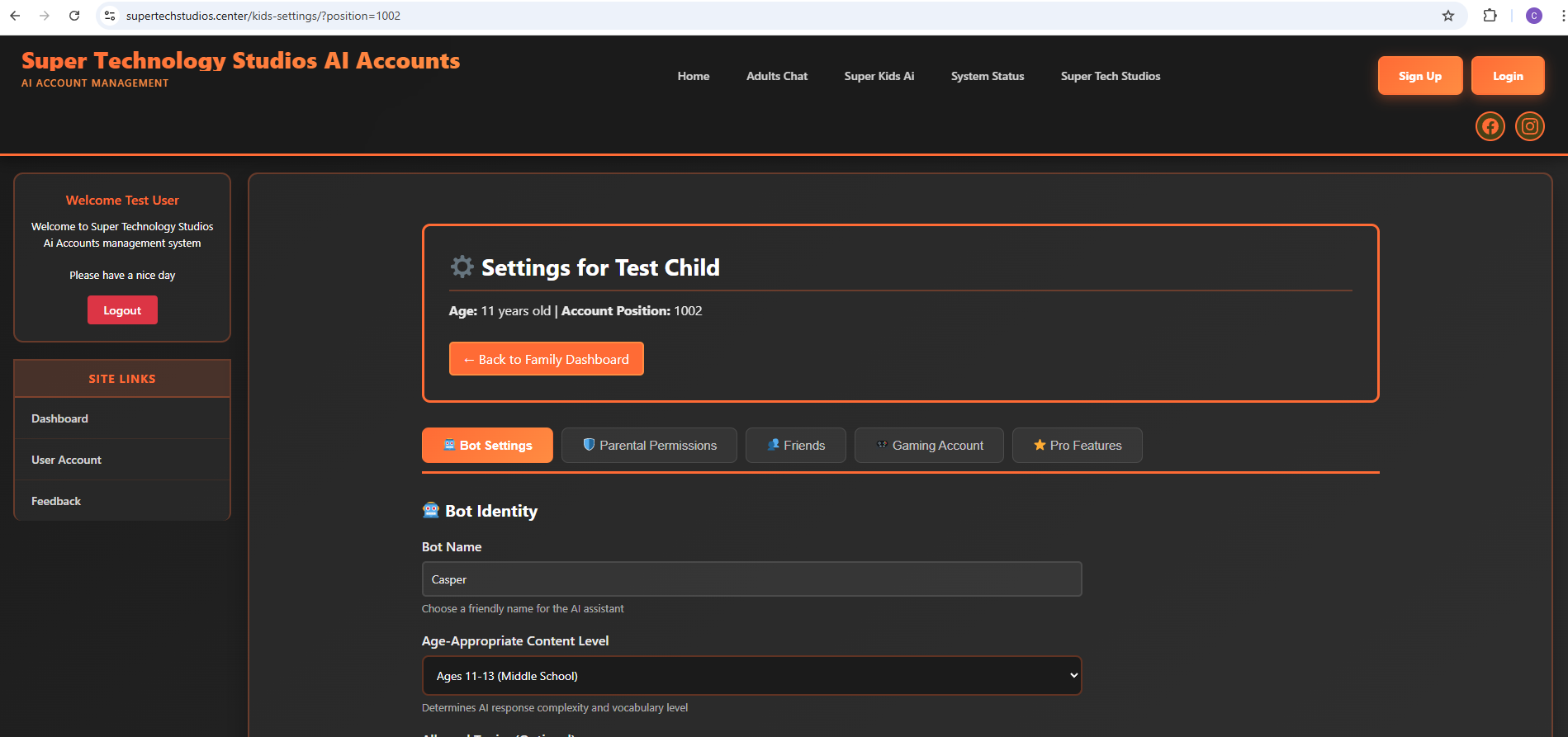
In this section, we'll show you how to set up Kids Settings step by step. Each sidebar link will guide you through a specific setting category, making it easy to configure exactly what your children can access and how they can interact with the AI.
Our comprehensive parental controls include content filtering, time limits, activity monitoring, conversation oversight, and much more. You'll have complete control over your child's AI experience while giving them the freedom to learn and explore safely.
Click the sidebar links to get started with configuring individual settings, or continue reading to see an overview of the Kids Settings dashboard.
📋 Ready to Configure?
Use the sidebar links to navigate through each settings category and configure your children's AI experience