
👨👩👧👦 Family AI Registration
Set up your Family AI account in just a few simple steps. Manage both adult and children's AI access from one central dashboard with full parental controls and safety features.
Create Your Account
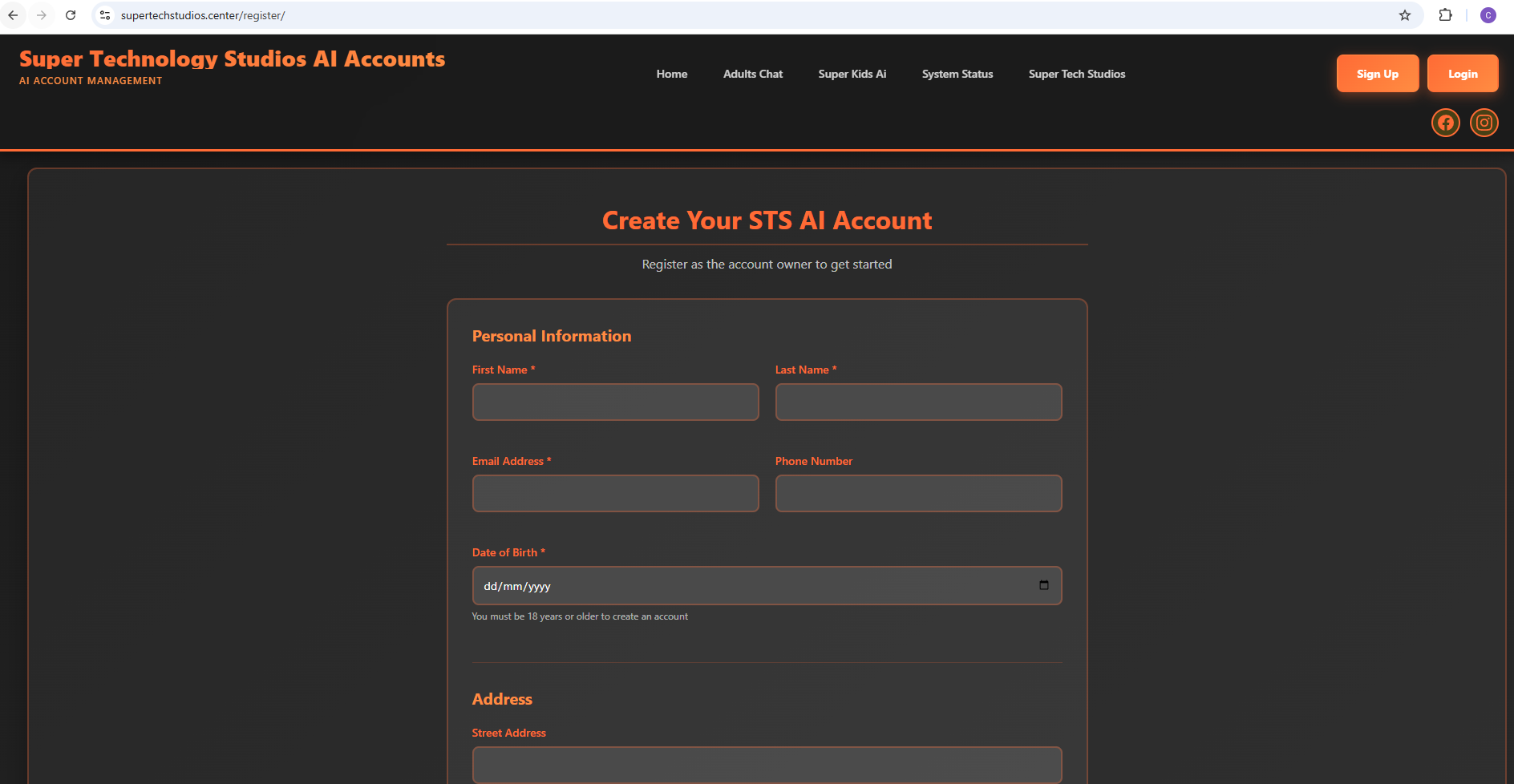
Visit supertechstudios.center/register and create your Family AI account. You must be over 18 years old to create an account. Enter your email, create a secure password, and verify your email address.
Access Family Dashboard
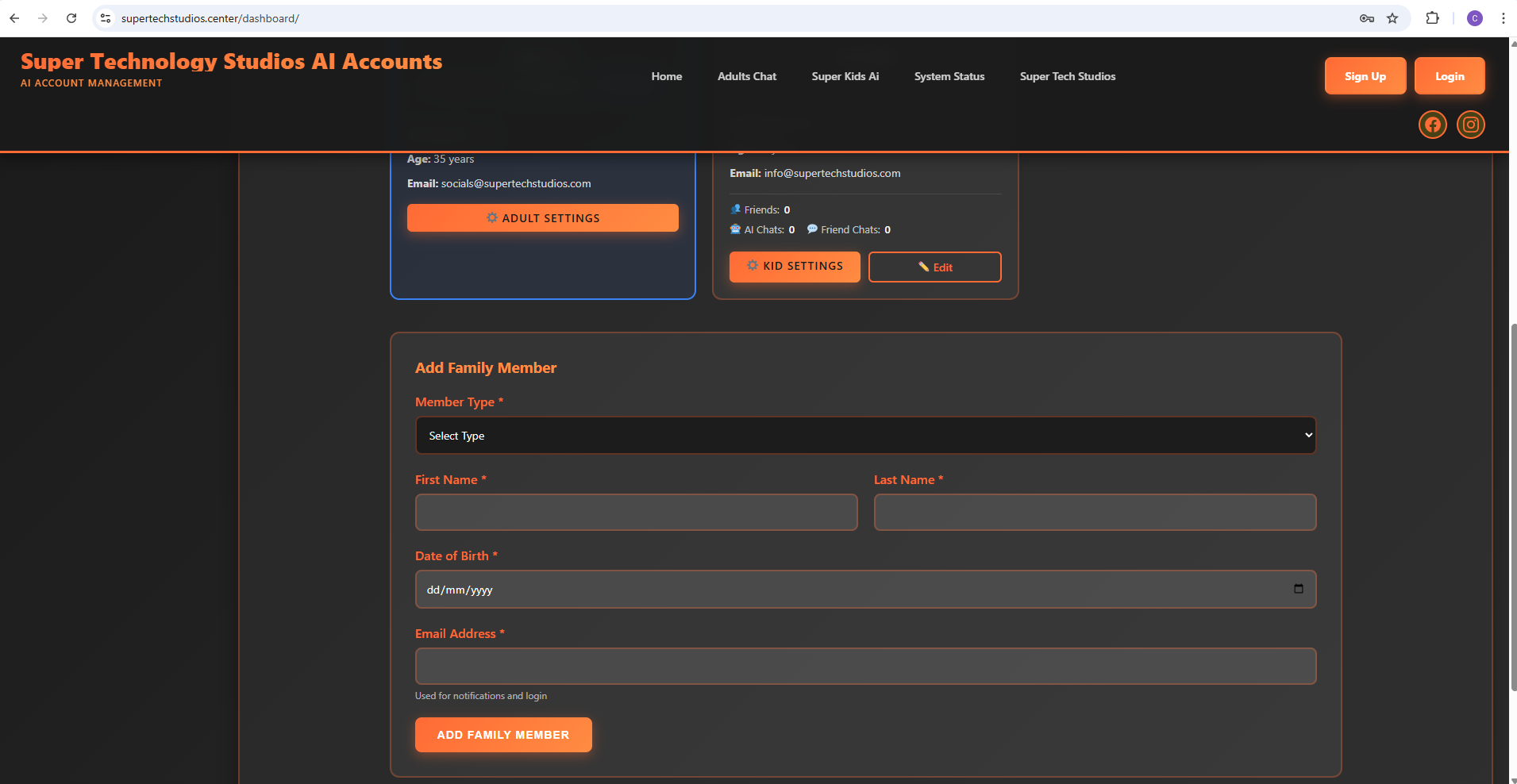
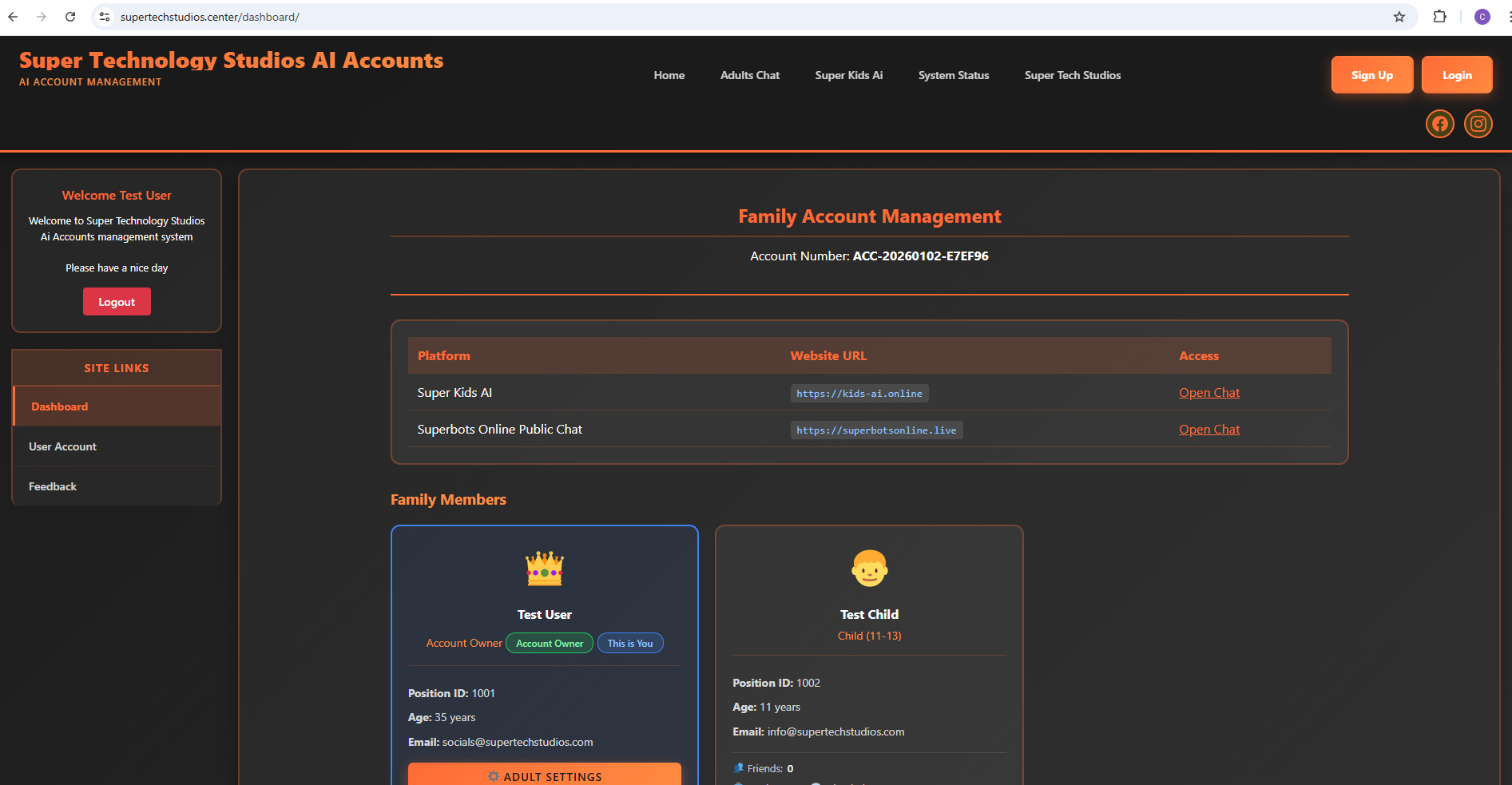
Once logged in, you'll land on your Family Management Dashboard at /dashboard. From here you can add another adult as a co-manager or add your children. Adults will receive an email invite link with a verification token that they'll need to accept. Children's accounts are automatically created with parental controls enabled.
Configure Children's Settings
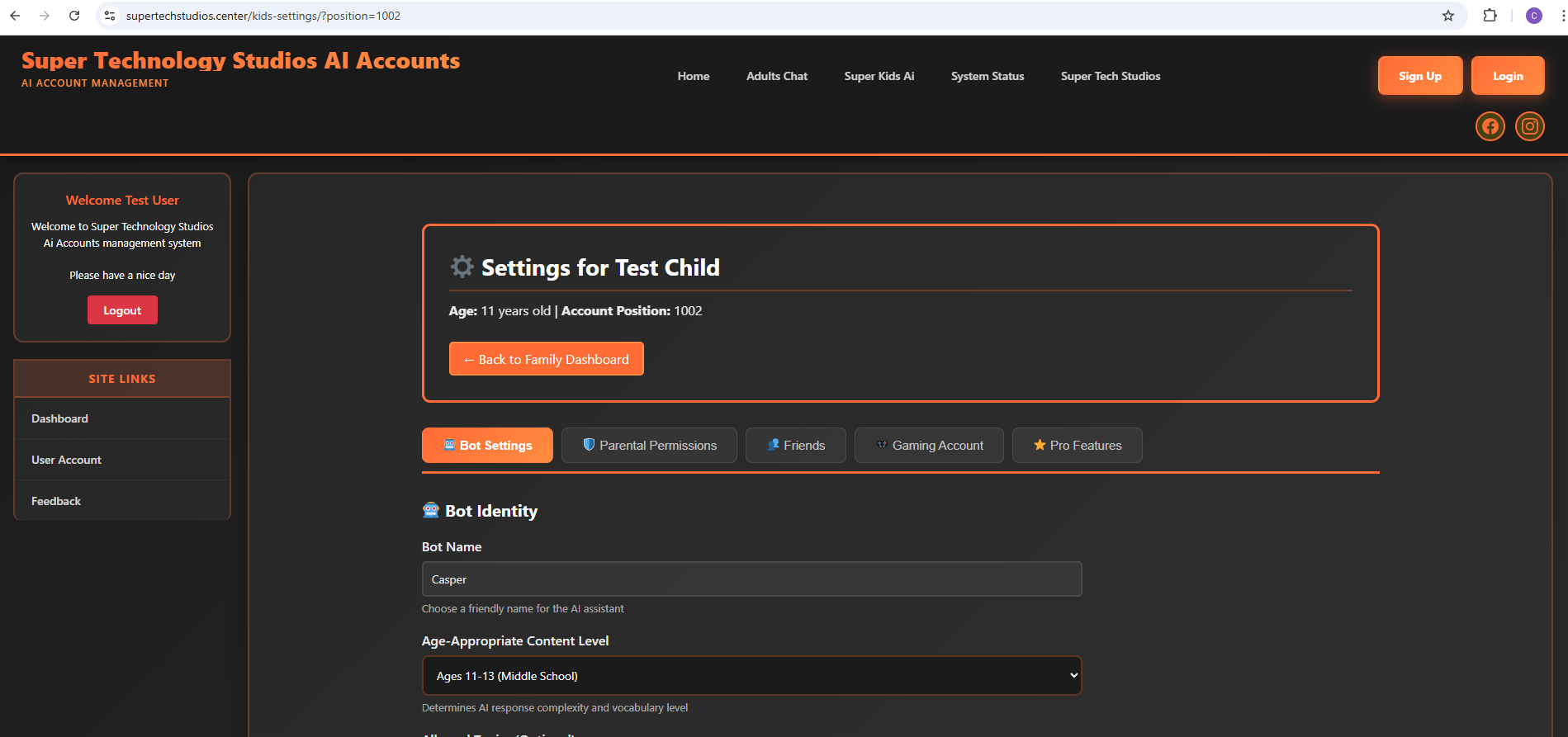
Click on Children's Settings to configure safety controls, content filters, time limits, and AI interaction guidelines. Visit Kids Settings Instructions to view detailed configuration options for each setting.
Setup Adult Settings
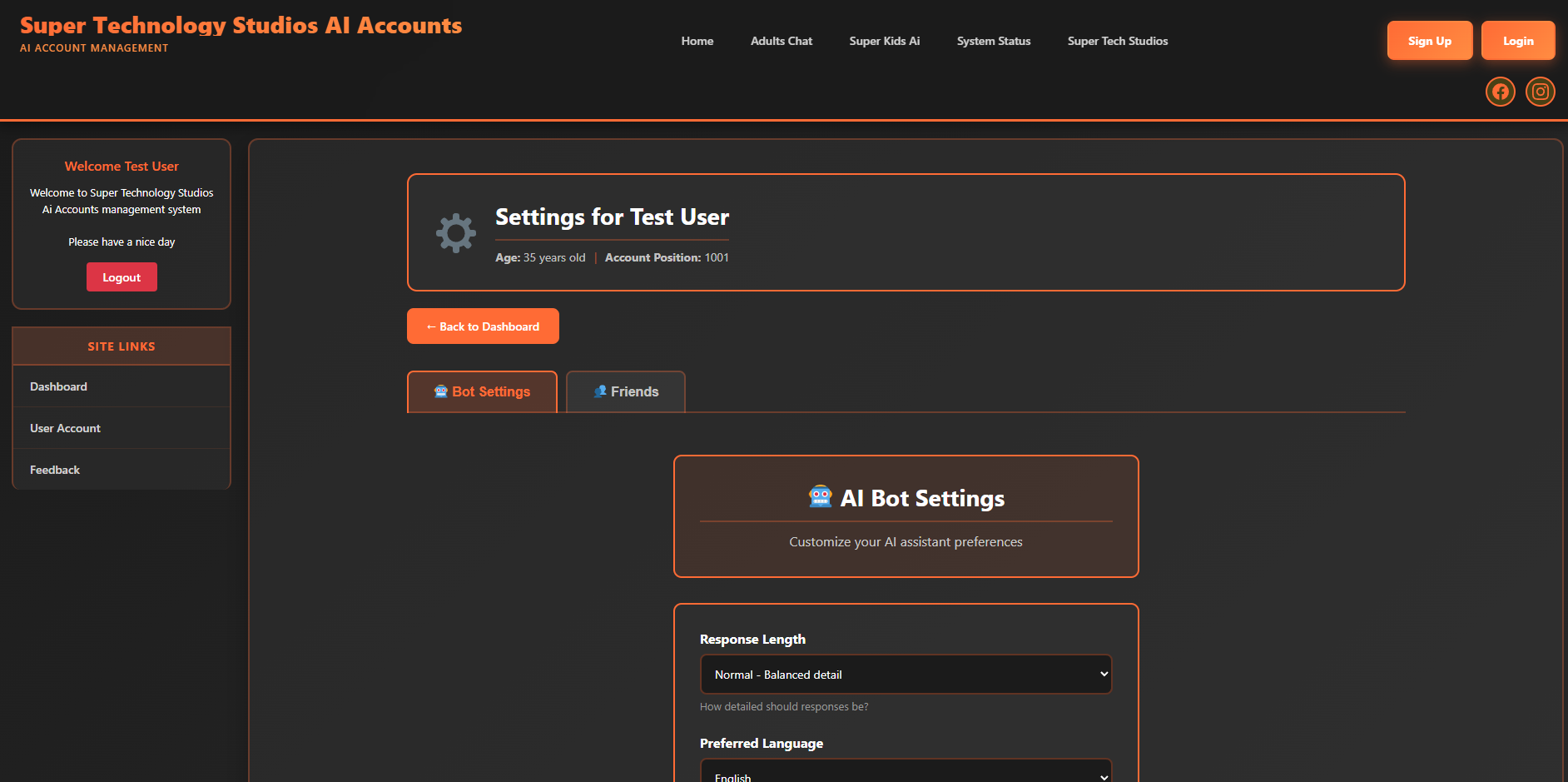
Configure your adult AI preferences including privacy settings, notification preferences, and account management options. Visit Adult Settings Instructions for a complete guide to all available settings and features.
Start Using Family AI
For Adults: Click on the Adults Chat button at the top of your Family Management Dashboard and start chatting with your AI assistant.
For Children: Sign in at kids-ai.online using the credentials created by their parent. They'll have access to age-appropriate AI features with all the safety controls you configured.
Ready to Get Started?
Create your Family AI account and experience safe, intelligent AI for the whole family
Start Registration Now →