
👫 Friends Chat
Chat Safely with Your Friends & Family!
Connect with your friends and family in a safe, parent-controlled environment. Every message is encrypted and protected, and your parents are always in control!
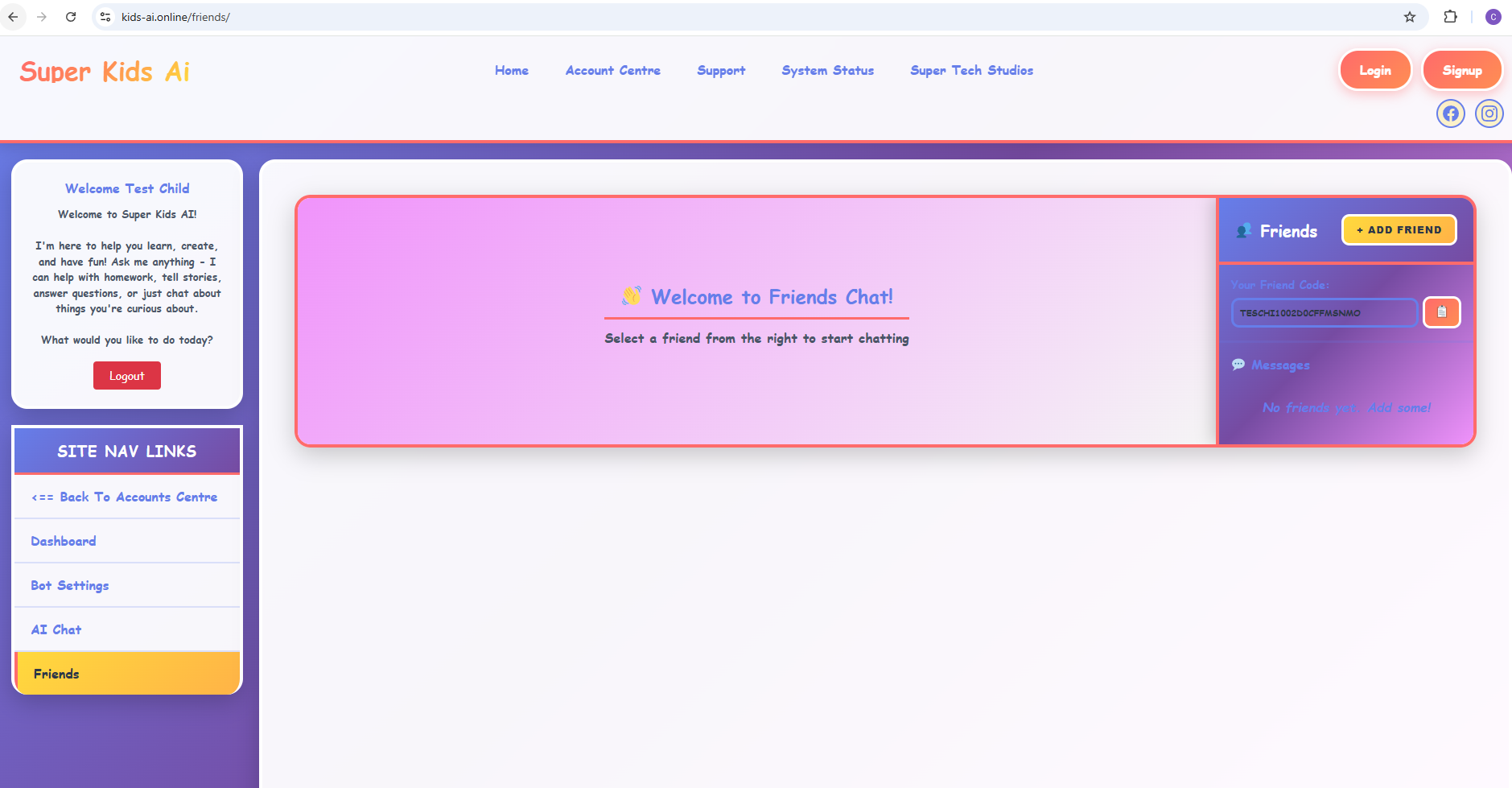
🎯 How Friends Chat Works
Parents Setup
Ask your parents to set up your Friends Code in the parental controls. They'll create a unique code just for you!
Share Your Code
Share your Friends Code with people you know in real life - friends from school, cousins, or family friends!
Parents Approve
Your parents will approve each friend request to make sure you only chat with people you actually know!
Start Chatting!
Once approved, chat away! All your messages are encrypted and safe. Your parents can check anytime!
✨ Cool Features
Fun Stickers
Express yourself with tons of fun, kid-friendly stickers and emojis!
Group Chats
Create group chats with your approved friends for even more fun!
Share Moments
Share drawings, photos, and fun moments with your friends safely!
Play Games
Play word games and puzzles together while you chat!
🛡️ How We Keep You Safe
End-to-End Encryption
All your messages are scrambled into secret codes that only you and your friend can read. Not even we can see them!
Parent Monitoring
Your parents can view your chat history anytime to make sure everything is safe and appropriate.
Parent Approval
Every friend request must be approved by a parent before you can start chatting.
Content Filtering
Bad words and inappropriate content are automatically blocked to keep conversations friendly.
Instant Alerts
Parents get instant notifications about all friend requests and important activities.
Time Controls
Parents can set when you can chat - no midnight conversations without permission!
📋 Important Rules
👶 Kid-to-Kid Chat
✅ Kids Can Add Other Kids
If your parents have this feature turned on, you can send friend requests to other kids! Both sets of parents need to approve before you can chat.
✅ Accept Friend Requests
When another kid sends you a friend request, your parents will review it and decide if it's okay for you to chat with them.
👨👩👧 Adult-to-Kid Chat
👪 Family & Known Friends ONLY
Adults can add kids, but ONLY if they're family members or family friends that parents know and trust. The child's parent MUST approve every adult request.
⚠️ Three Strikes Rule
If an adult tries to add any child more than 3 times and the parent marks them as "unknown" or declines due to safety concerns, that adult will be REMOVED from the entire system immediately.
⚡ Zero Tolerance Policy
We take safety seriously! Any adult who tries to contact kids they don't know will be permanently banned. This feature is for family and real friends ONLY.